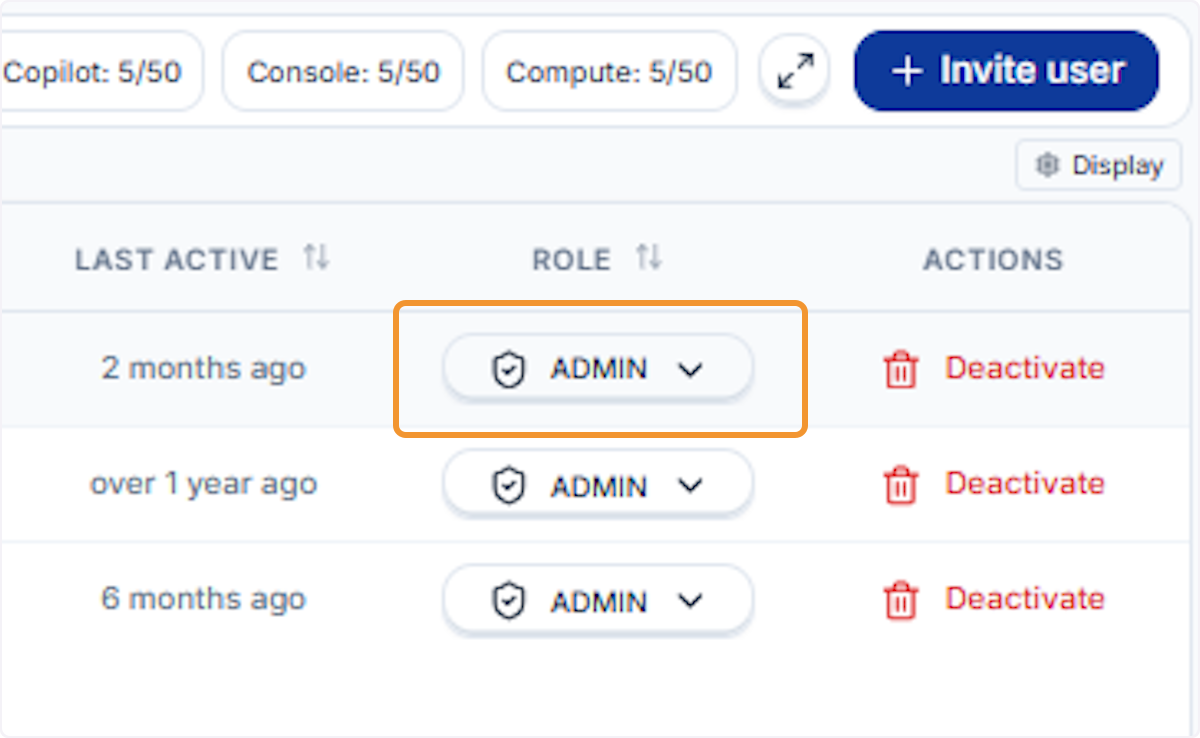
Change a User’s Role
You can promote a User to Admin or demote an Admin to User at any time. Role changes take effect immediately — no additional save step is required.
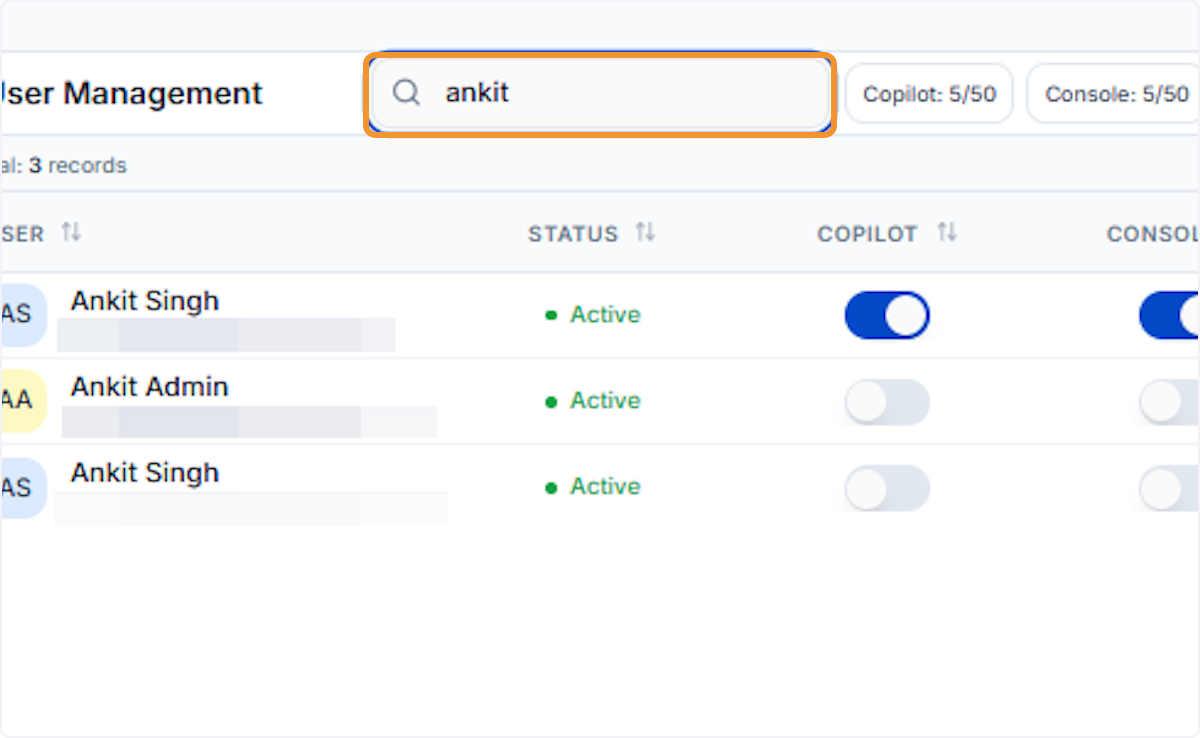
Search for the user to update
Type the user’s name in the search bar to filter the list and quickly find the user whose role you wish to change.
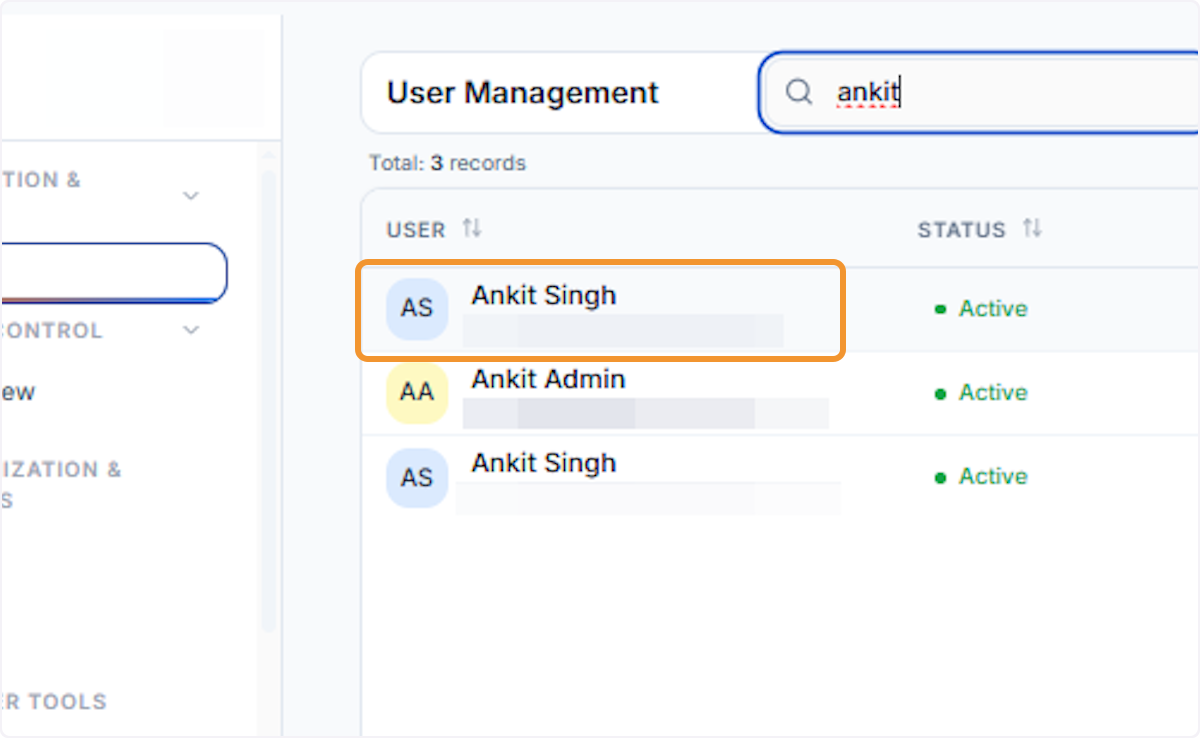
Select the user from results
Click on the correct user row from the filtered results to bring their record into focus before making role changes.
Open the Role dropdown
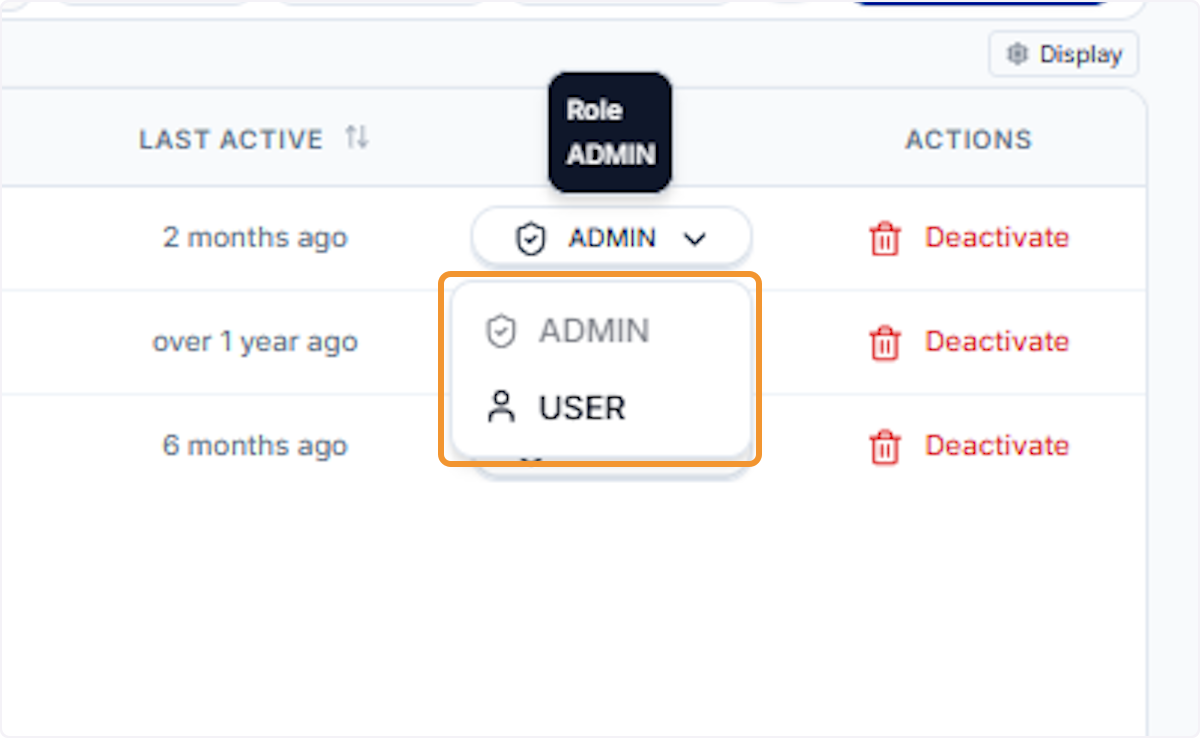
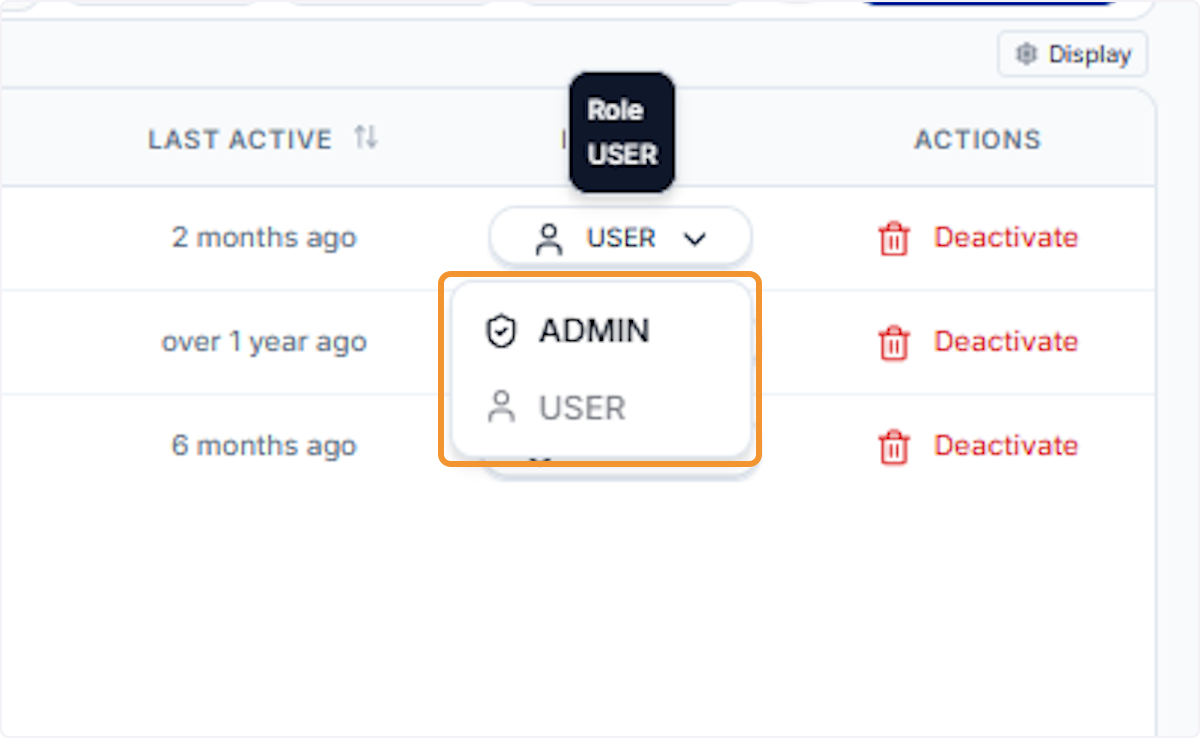
Click the Role dropdown in the user’s row to reveal the available role options. The current assignment is shown as the selected value.
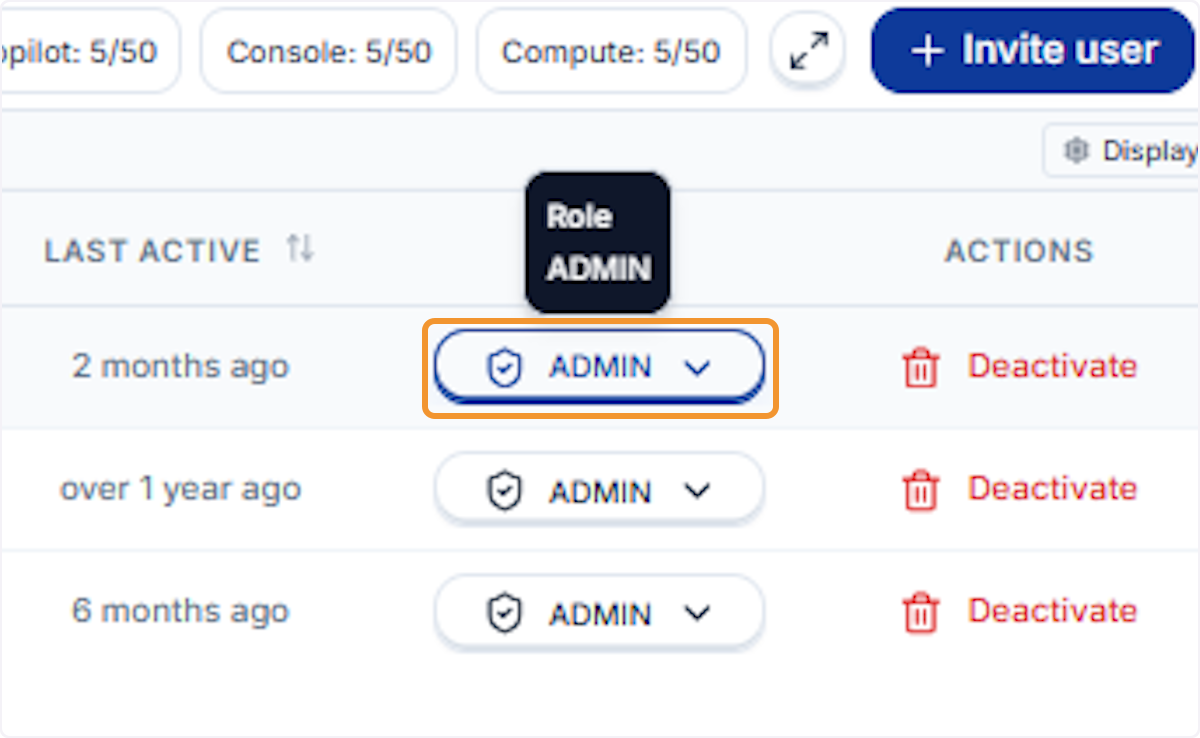
The dropdown expands, displaying both Admin and User options. The currently assigned role is highlighted for reference.
Select the new role
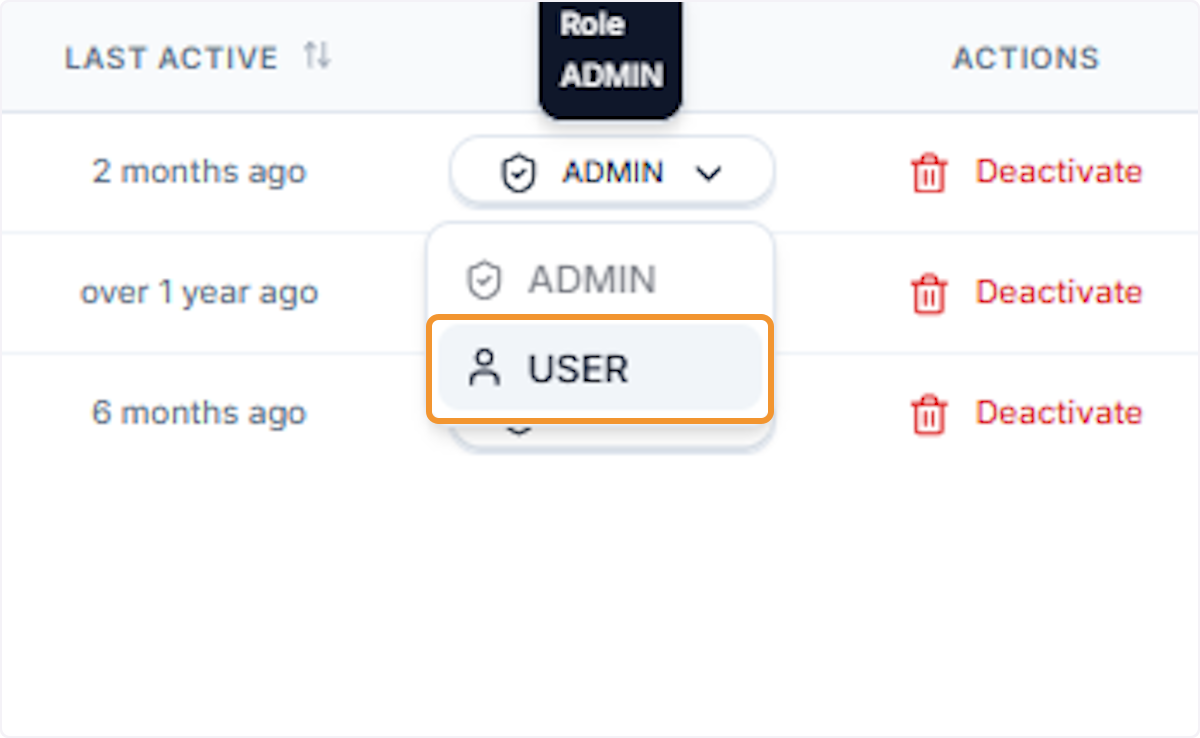
Click User (or Admin as needed) to select the new role. The system will immediately begin applying the change.
Wait for the update to apply
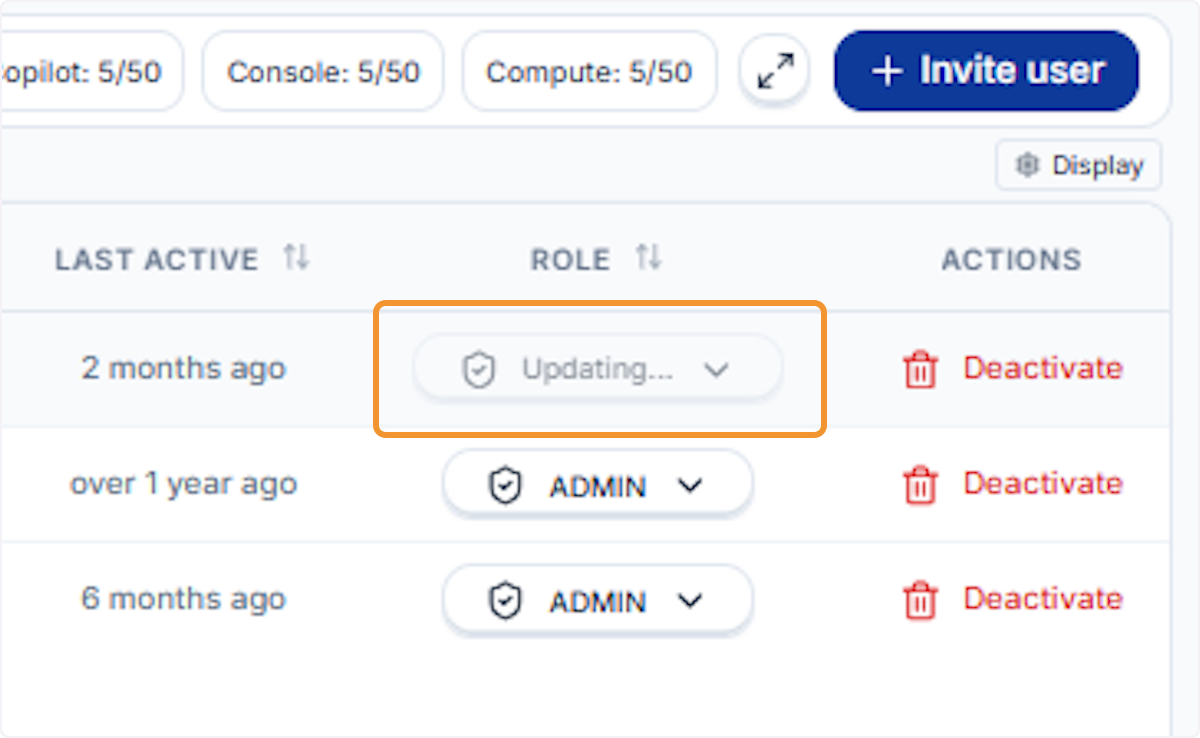
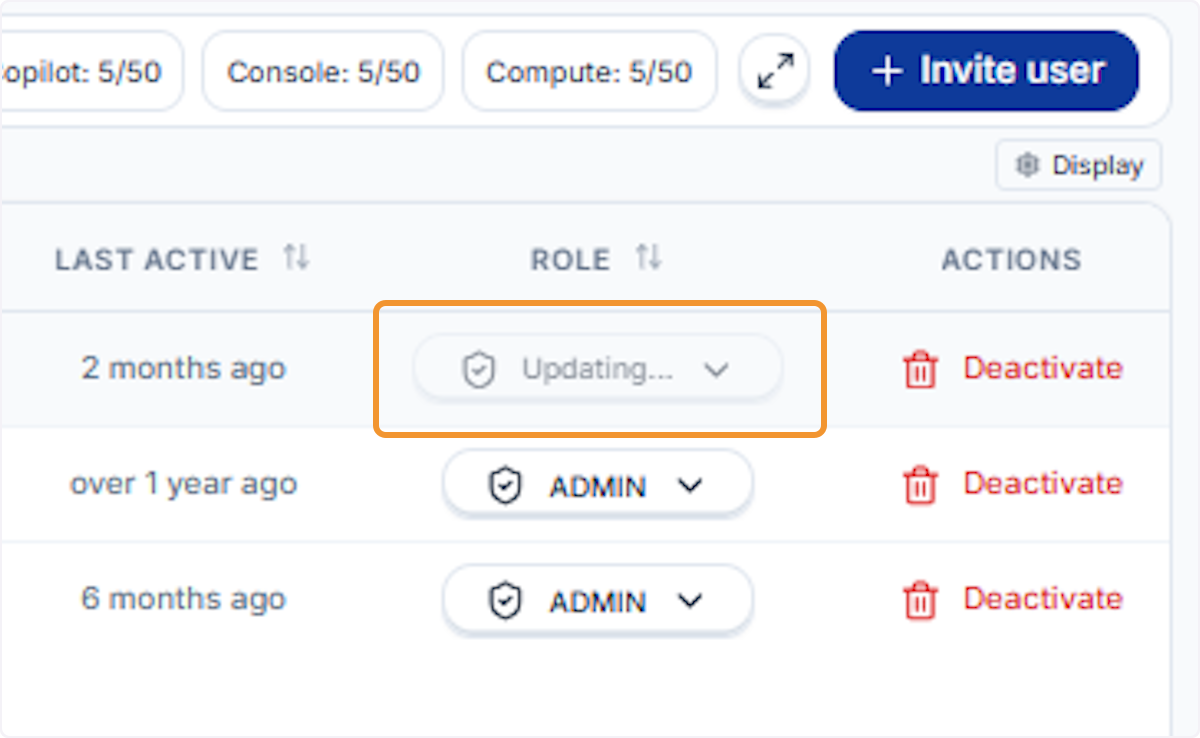
The Role field briefly shows Updating… while the system processes the change. Do not navigate away during this moment.
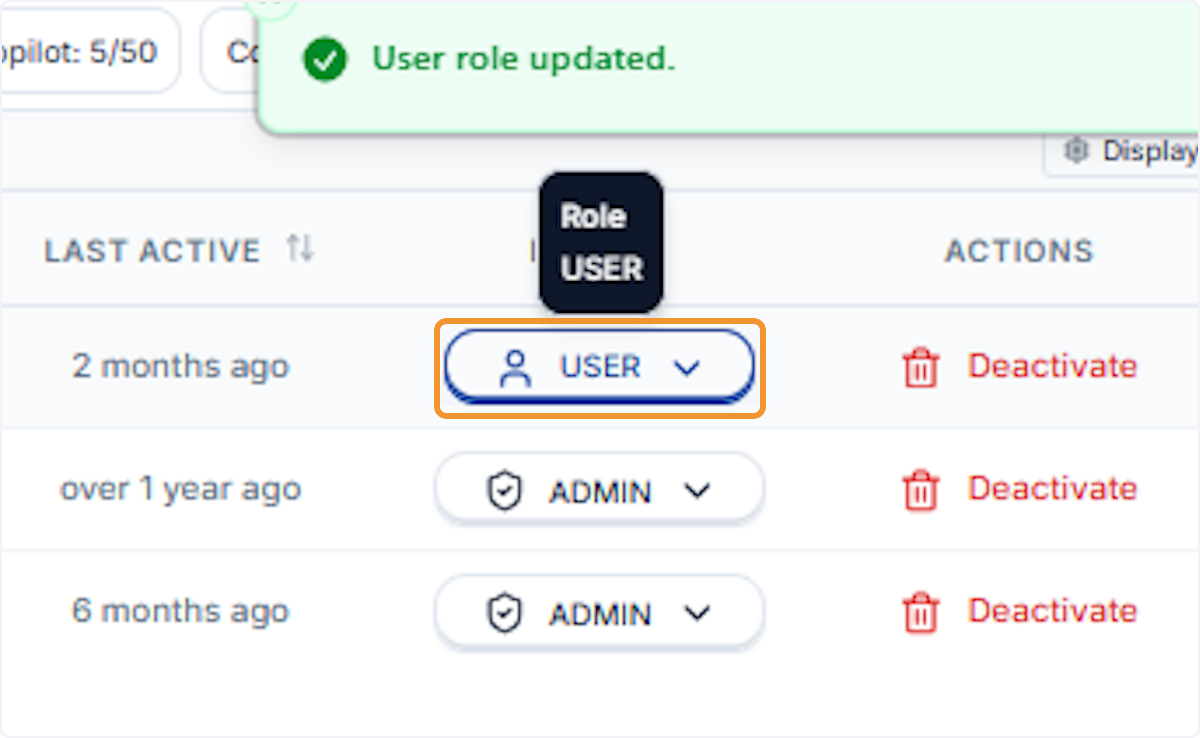
Role update confirmed
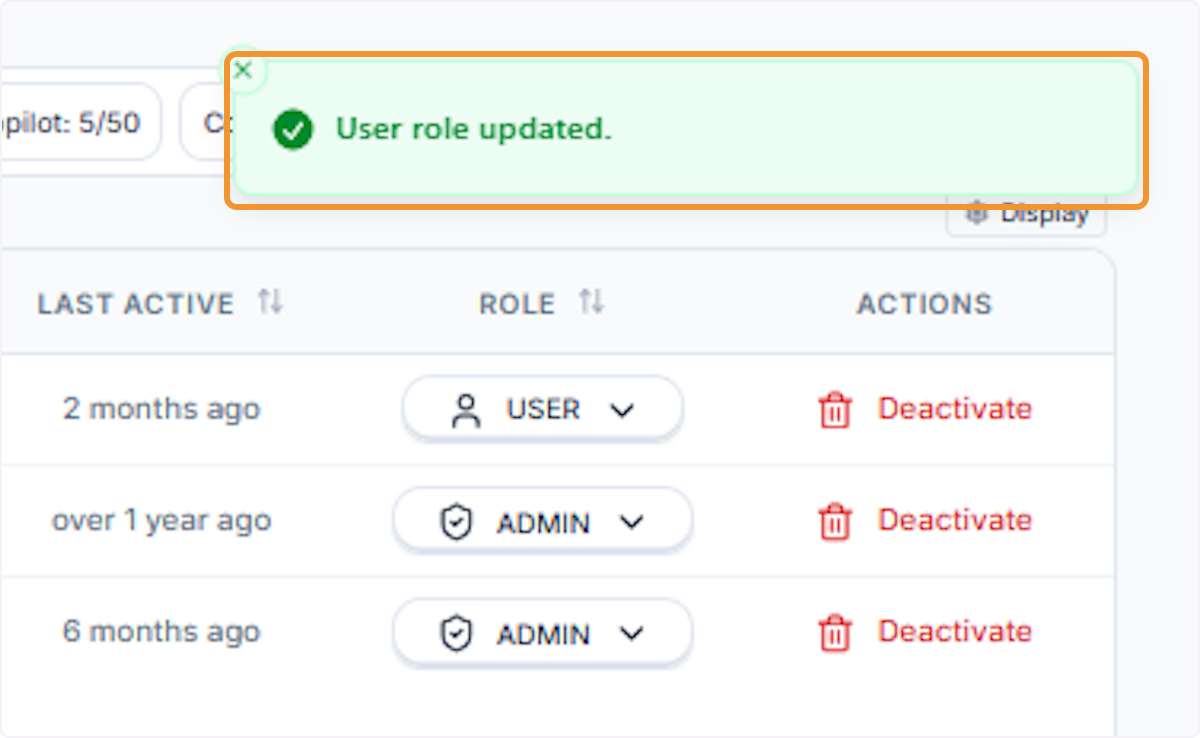
A green confirmation banner reading User role updated appears, and the Role column now reflects the newly assigned role.
Verify the updated role in the table
The Role badge in the user’s row now displays the new assignment. The change is live immediately.
Promoting a User to Admin
Open the dropdown again
Click the Role dropdown once more to make a further adjustment.
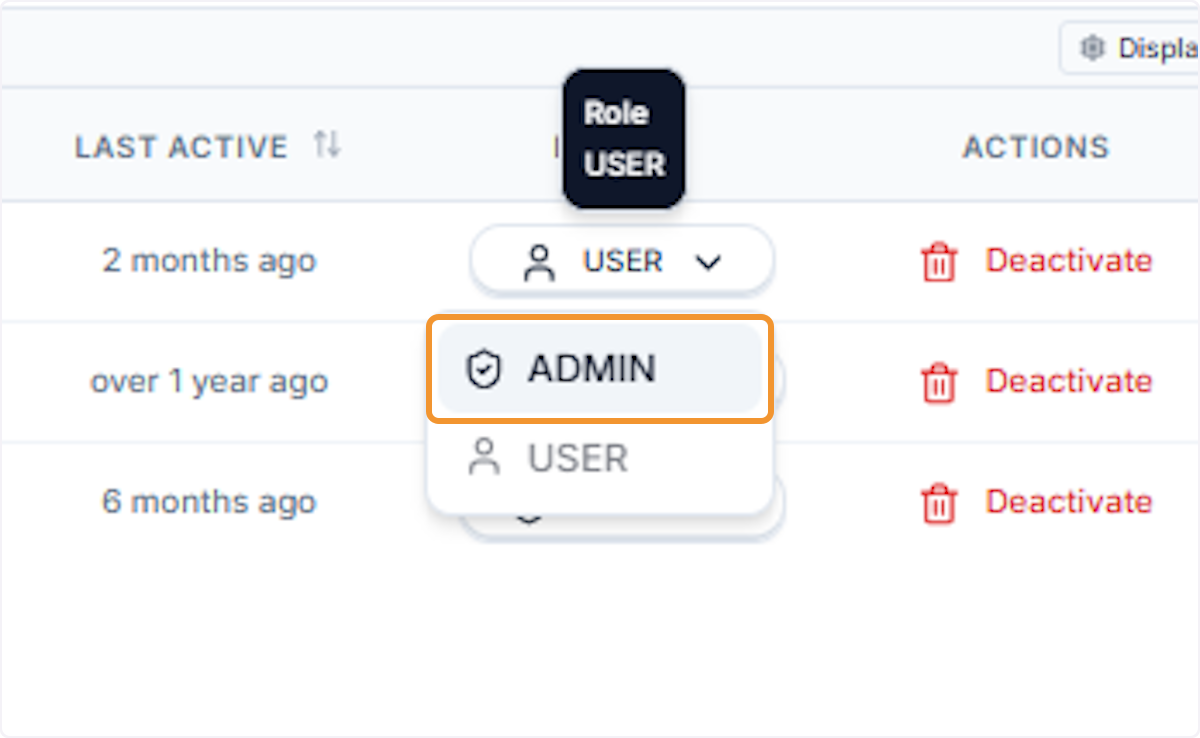
Select Admin
Click Admin in the dropdown to promote the user. Admin access grants the ability to invite users, change roles, and manage the organisation.
Wait for the Admin role to apply
The Role field displays Updating… while the promotion is processed. The table refreshes automatically once complete.
Admin role confirmed
The Role column now shows Admin for the selected user. The change takes effect immediately.