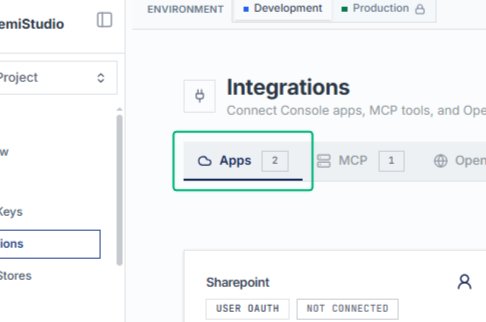
Connecting Third Party Apps in Integrations
Connecting Third Party Apps in Integrations
Open Integrations page to connect with console apps, MCP,OpenAPI’s
Open the Integrations section from the left sidebar under Resources. This page allows you to connect Console apps, MCP tools, and OpenAPI services to your project. You’ll see available integration options like Sharepoint and Outlook displayed as cards.
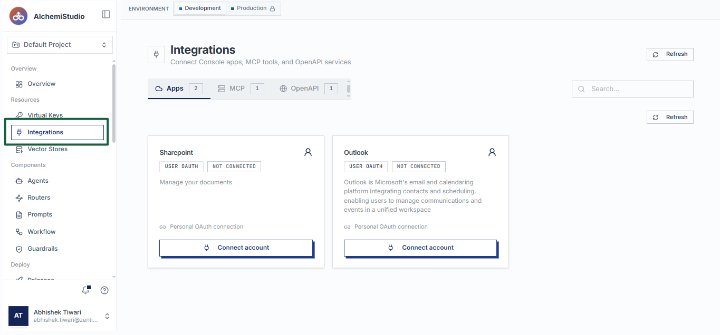
Start from the AlchemiStudio Console and select Integrations from the sidebar. This page displays all available integration types—Apps, MCP tools, and OpenAPI services—organized by category.
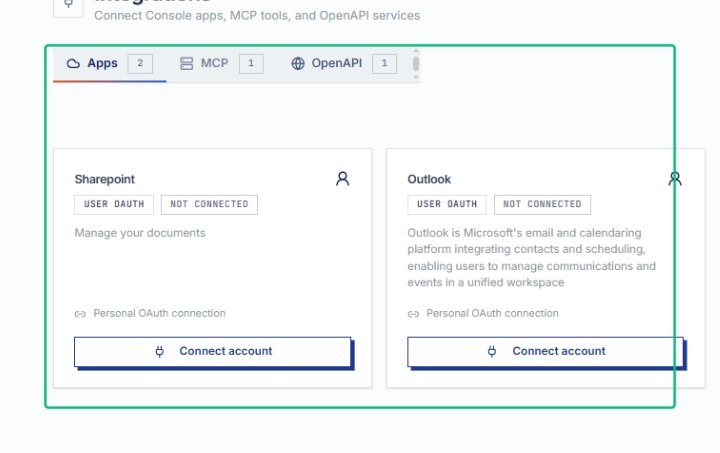
Switch to the Apps tab
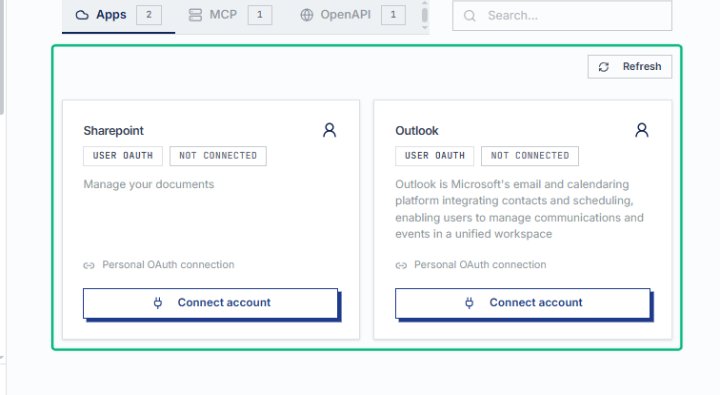
On the Integrations page, select the Apps tab to view console app integrations. The tab shows two configured apps, including Sharepoint and Outlook, both using OAuth for authentication.
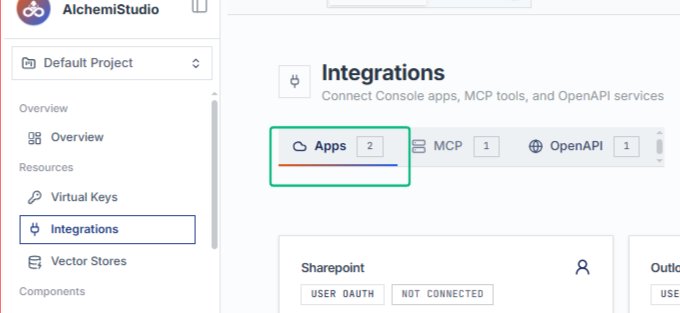
Locate the Sharepoint card in the Apps list. The card displays its connection status, authentication method, and a Connect account button for linking your Sharepoint account.
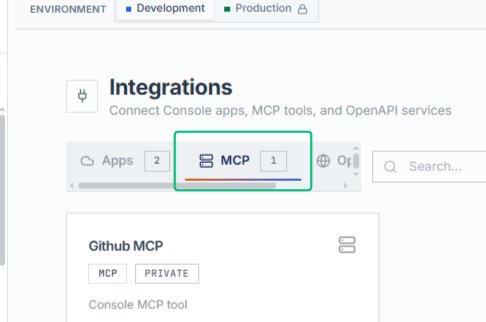
Switch to the MCP tab
From the Integrations page, select the MCP tab to filter and display only MCP-type integrations. The tab shows one configured MCP tool, Github MCP, available for console use.
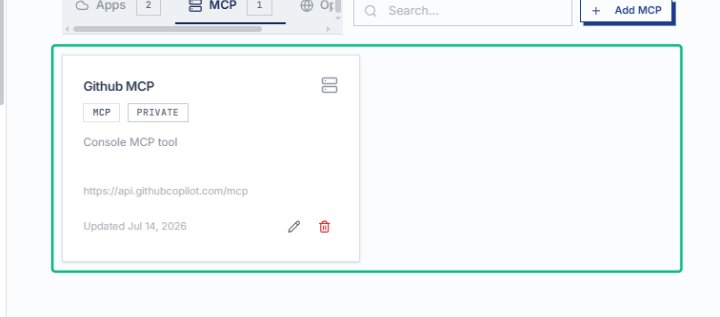
Select the Github MCP integration card
On the MCP tab, choose the Github MCP card to view or edit its configuration. The card shows the integration type, privacy level, and endpoint URL.
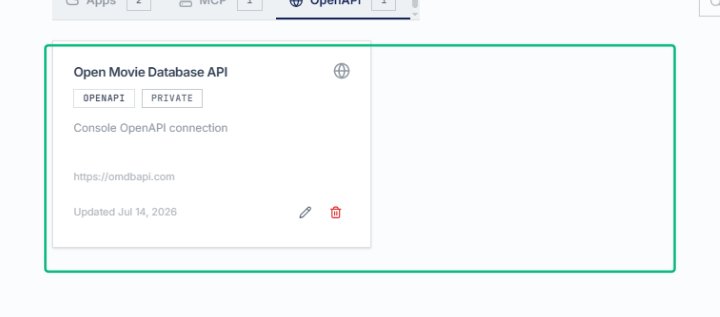
Switch to the OpenAPI tab
From the Integrations page, select the OpenAPI tab to display OpenAPI-based integrations. The tab shows a count of one configured OpenAPI connection.
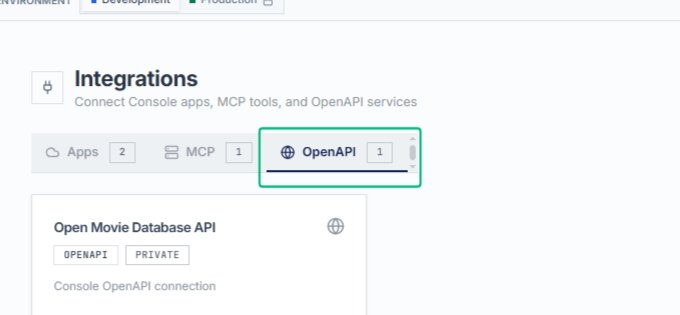
Select the Open Movie Database API card
With the OpenAPI tab active, choose the Open Movie Database API card to view or manage this integration. The card displays the connection type, privacy setting, and endpoint details.
Return to the Apps tab
Switch back to the Apps tab to review your Console app integrations. You have now explored all three integration types: Apps, MCP tools, and OpenAPI services.