Reactivate a User
Reactivating a user restores their full access to AlchemiStudio. Their role and settings are preserved exactly as they were before deactivation.
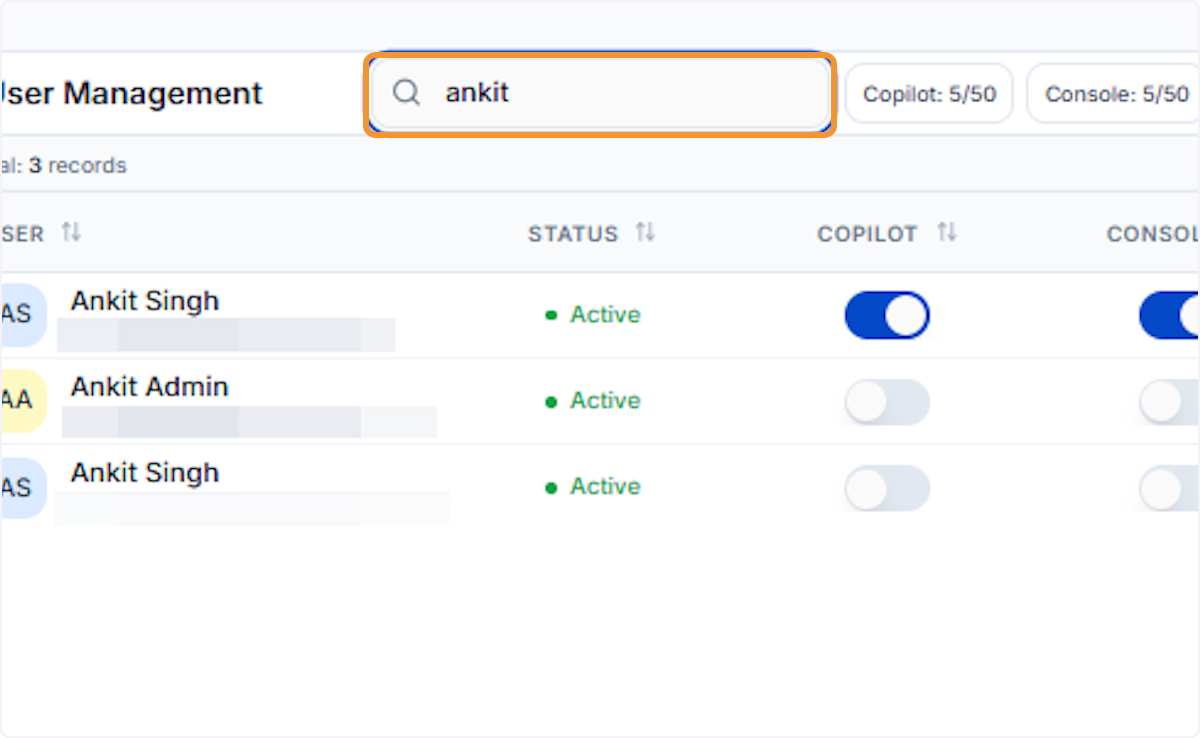
Search for the user to reactivate
Type the user’s name in the search bar to filter the list and locate the inactive user whose access you want to restore.
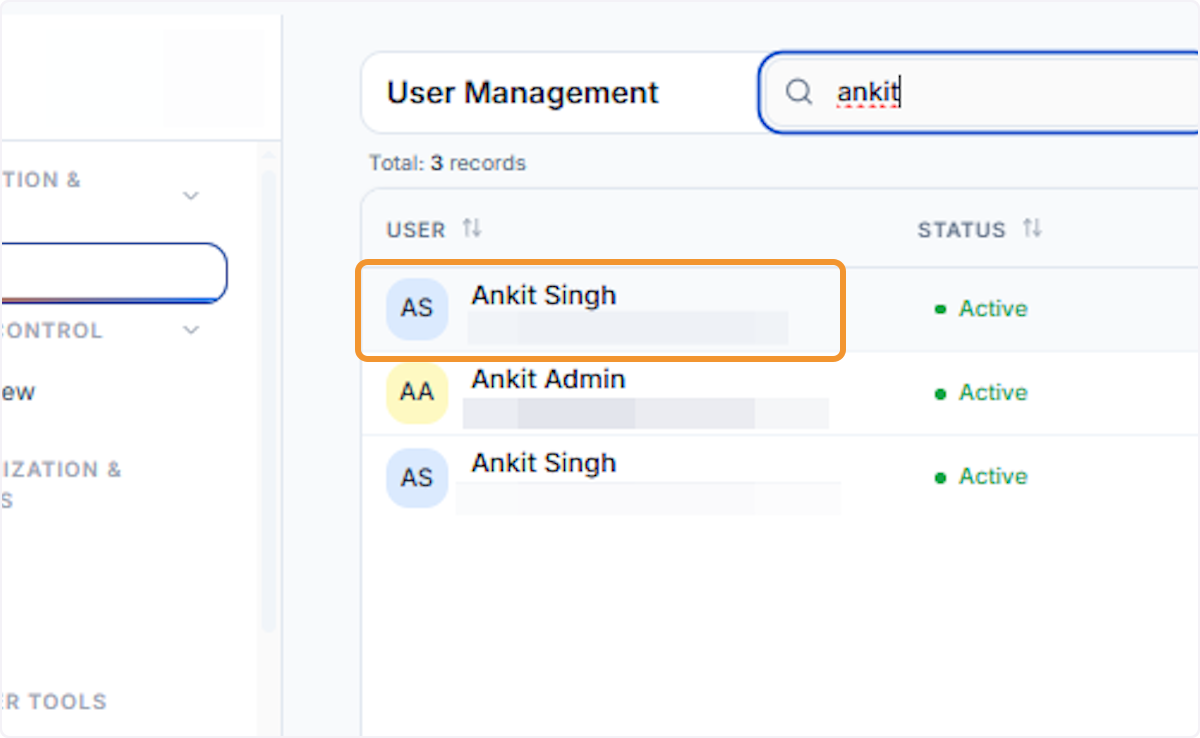
Select the inactive user
Click the correct user row from the filtered results. Inactive users are labelled clearly in the Status column to help you confirm the right account.
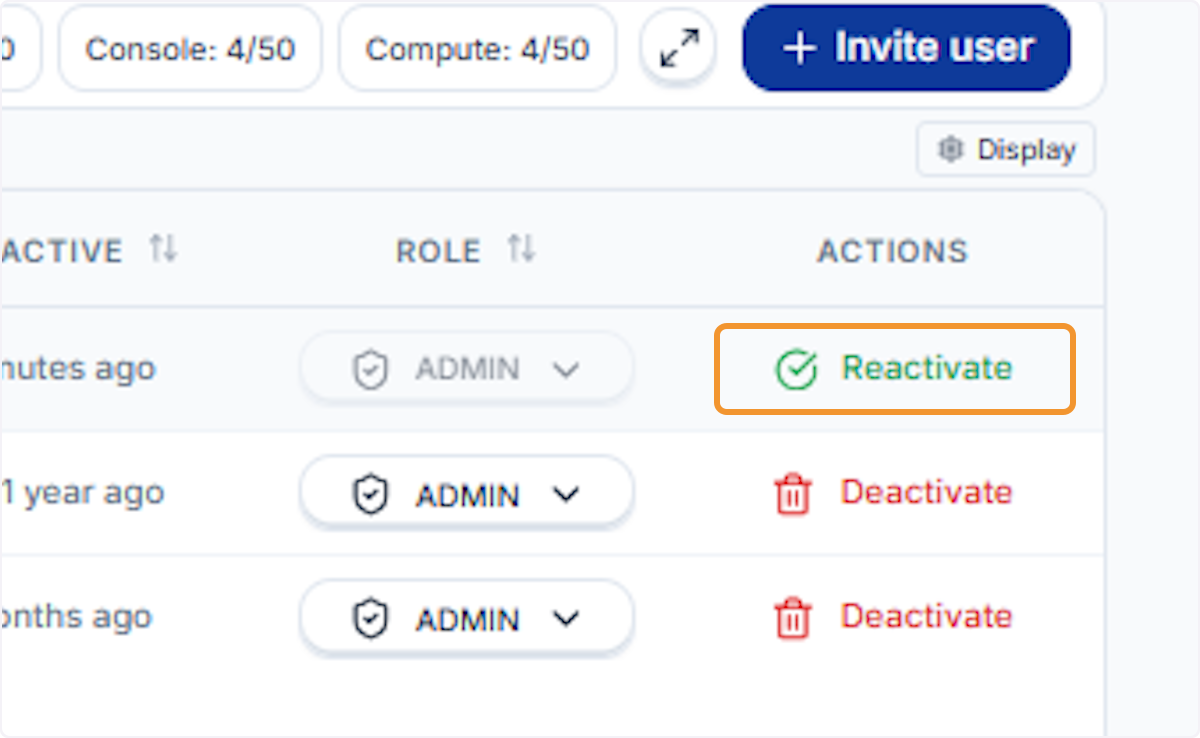
Click Reactivate
Click the Reactivate button (shown with a green checkmark icon) in the Actions column. This button only appears for users with an Inactive status.
Review the confirmation dialog
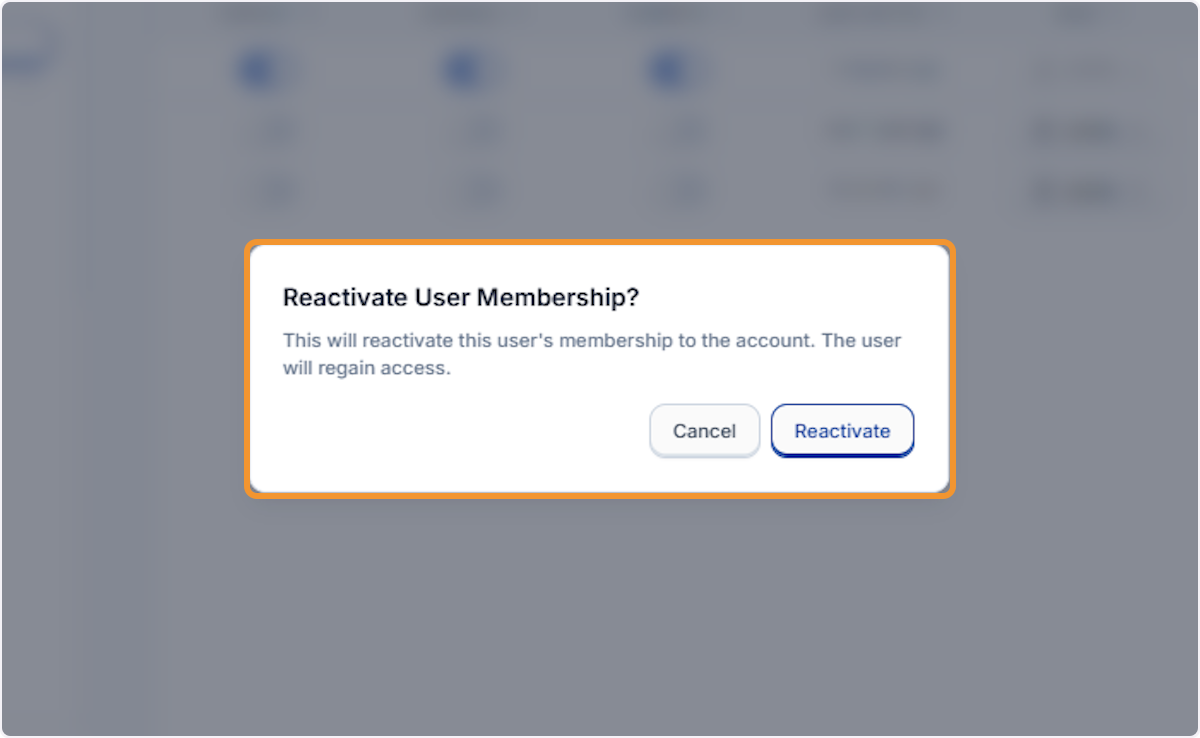
A Reactivate User Membership? modal appears, confirming the action will restore the user’s account access. Review before proceeding.
Confirm the reactivation
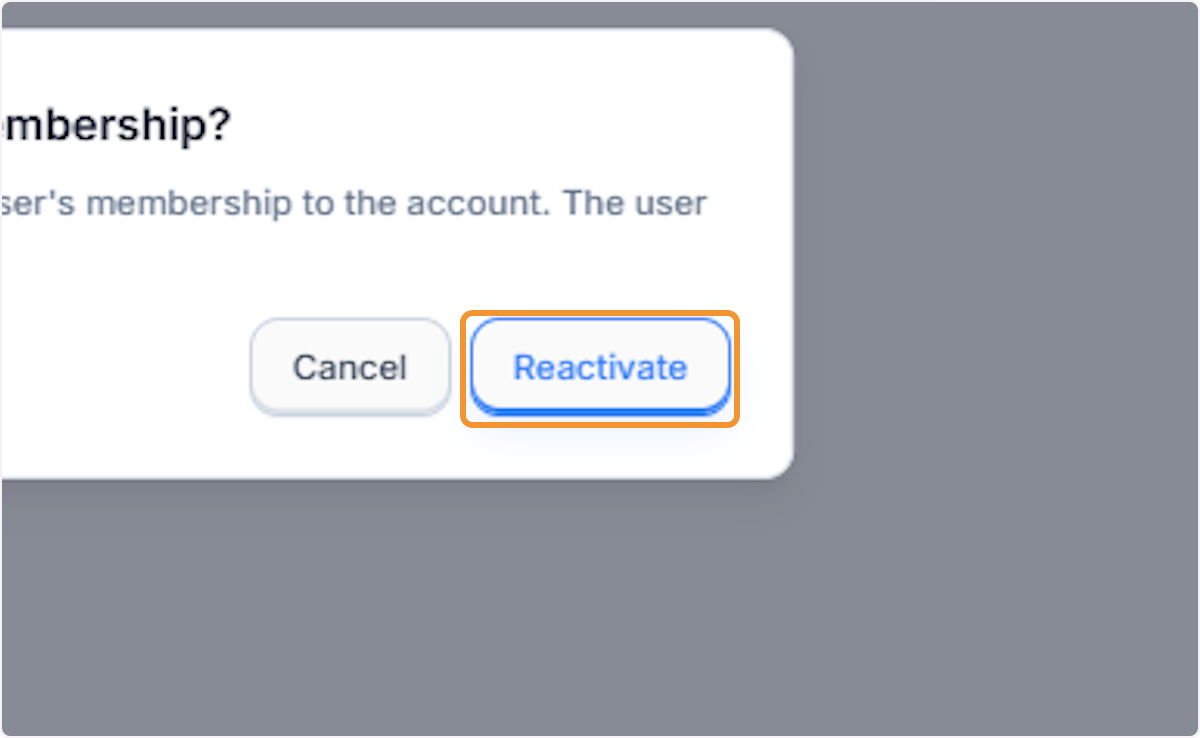
Click Reactivate in the confirmation modal to restore the user’s membership. The user will regain immediate access to the platform.
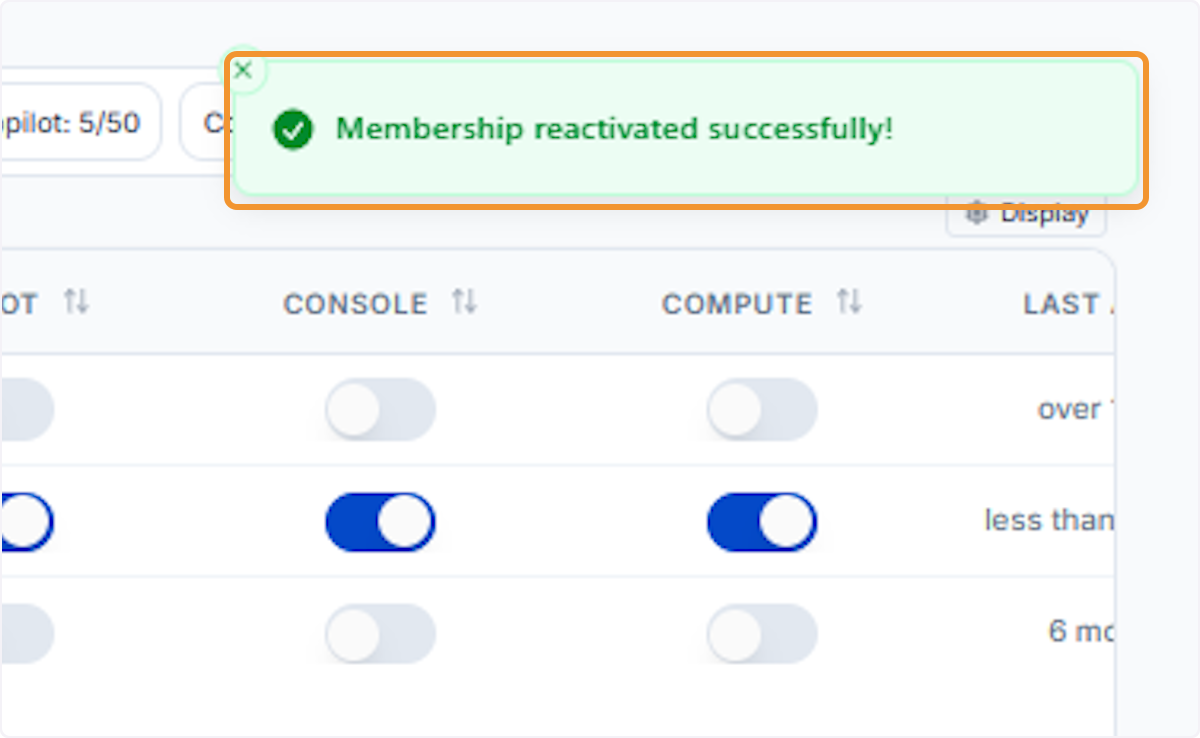
Reactivation confirmed
A green banner reads Membership reactivated successfully!, and the user’s status returns to Active in the User Management table.