
Review Sandbox History and Costs
Review Sandbox History and Costs
Start from the AlchemiStudio Compute page and open the History section, where terminated sandbox instances and their costs are listed.
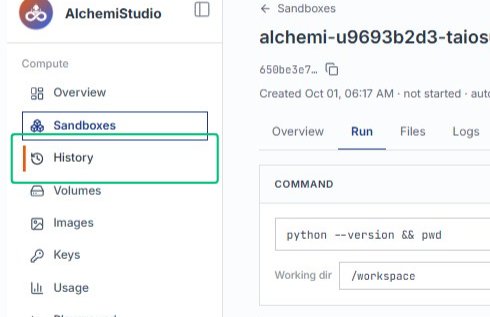
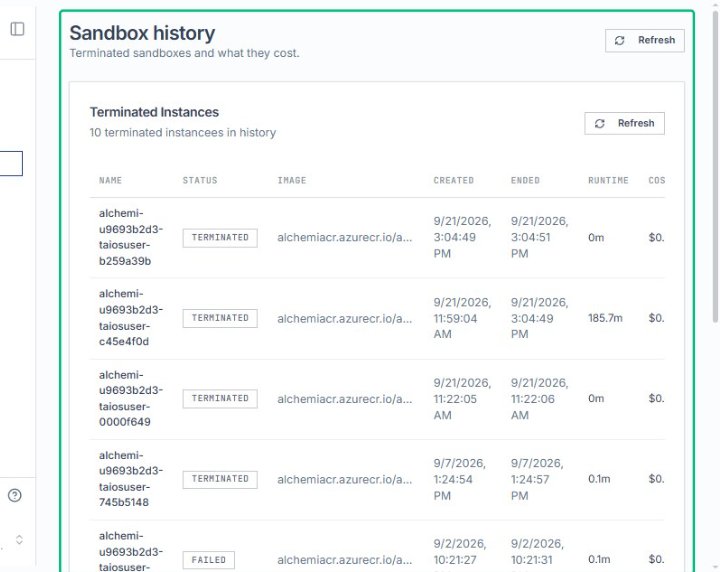
Review the Sandbox history section
On the History page, the Sandbox history section displays all terminated sandboxes along with their runtime and cost details.
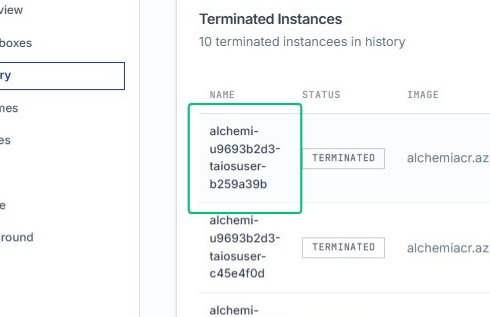
Select the sandbox name cell
From the Terminated Instances table, choose a sandbox name to view its details or perform further actions.
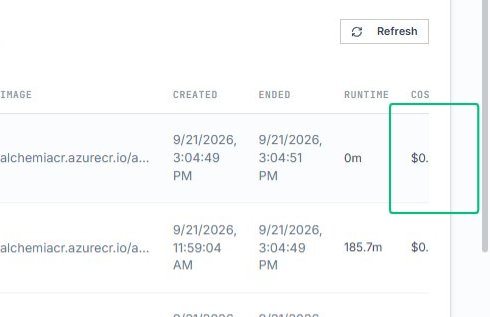
Select the cost cell showing that instance user costs in dollers
In the same table row, the cost cell displays the total charge for the terminated sandbox instance.
Review the runtime cell for the selected instance
The runtime column shows how long the sandbox ran before termination, helping you understand usage patterns and cost drivers.
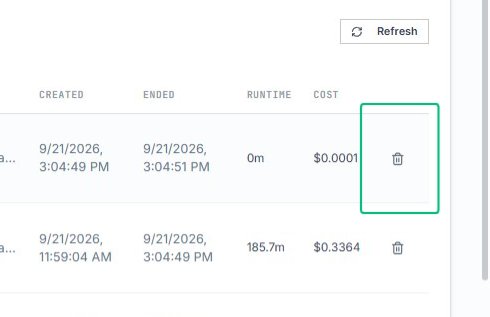
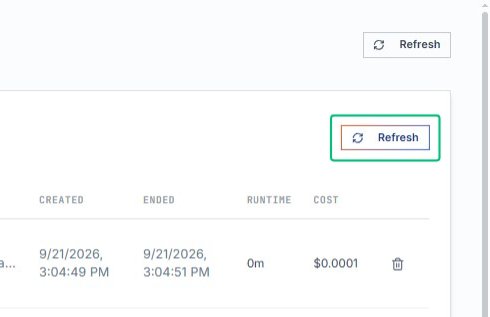
Refresh the history
The Terminated Instances table reloads with the latest sandbox data and costs.
Last updated on