Experiment for a Dataset
Experiment for a Dataset
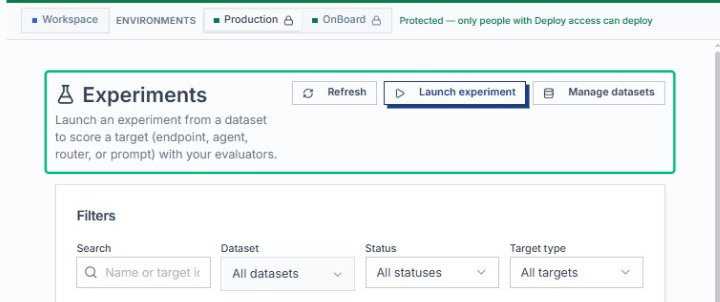
Opens the Experiments page, where you can view, filter, and launch experiments against your datasets.
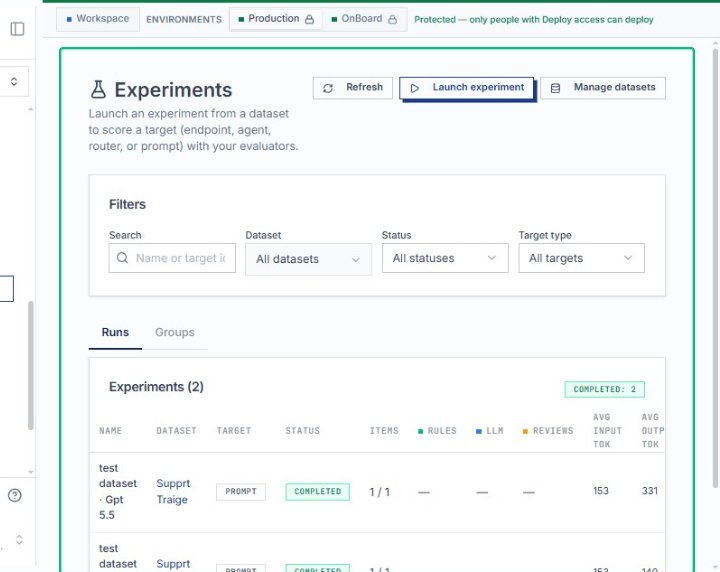
Review the Experiments overview
The page displays a list of completed and in-progress experiment runs, along with filters for dataset, status, and target type.
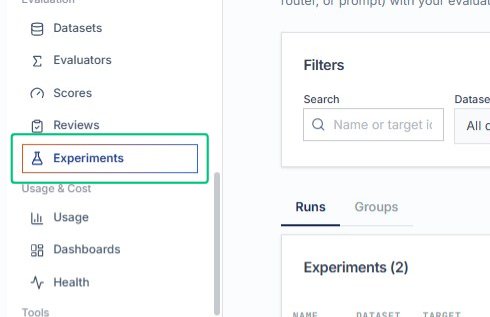
Locate the Experiments section
This section contains the list of experiment runs and provides access to detailed results for each run.
Review the Experiments list
The table shows all completed experiments, including dataset name, target, status, item count, and average scores.
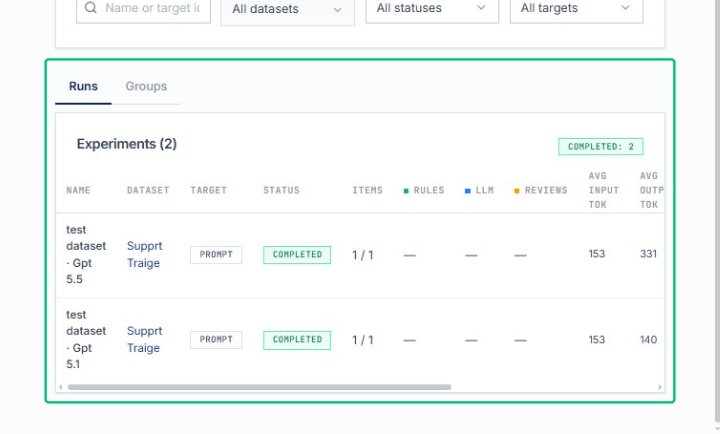
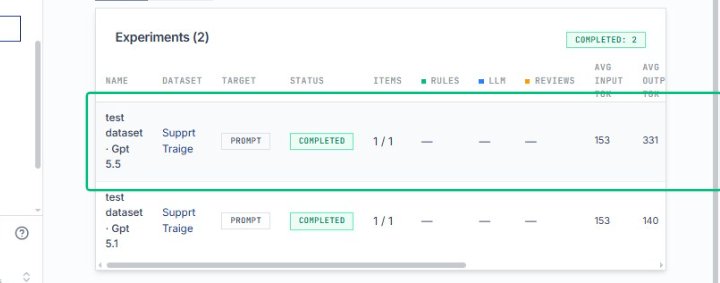
Select the test dataset experiment row
Opens the detailed results page for the selected experiment run, showing scores, items, and configuration.
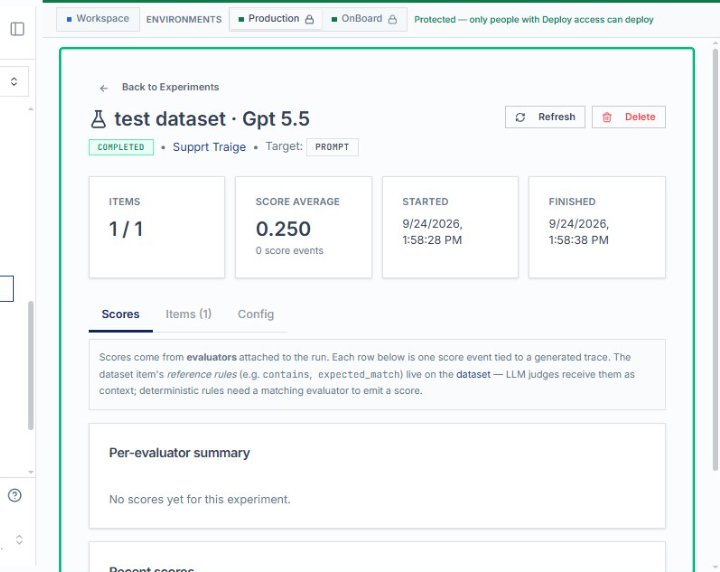
Review the experiment details page
The page displays the experiment name, status, target, score average, and tabs for scores, items, and configuration.
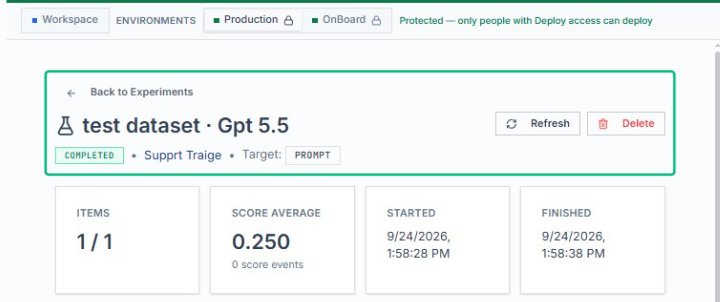
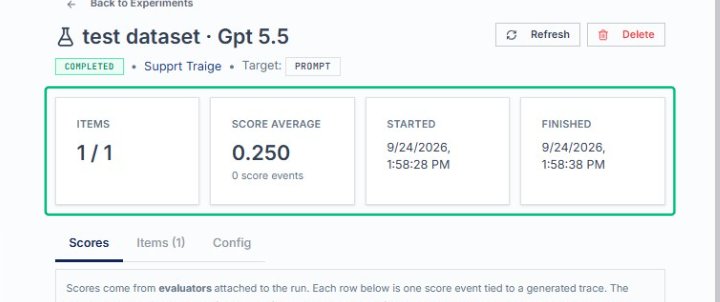
Review the experiment summary
The page displays key metrics including items processed, score average, and start and finish times for the experiment run.
Review the experiment metrics card
This card summarizes the number of items processed and the average score for the experiment run.
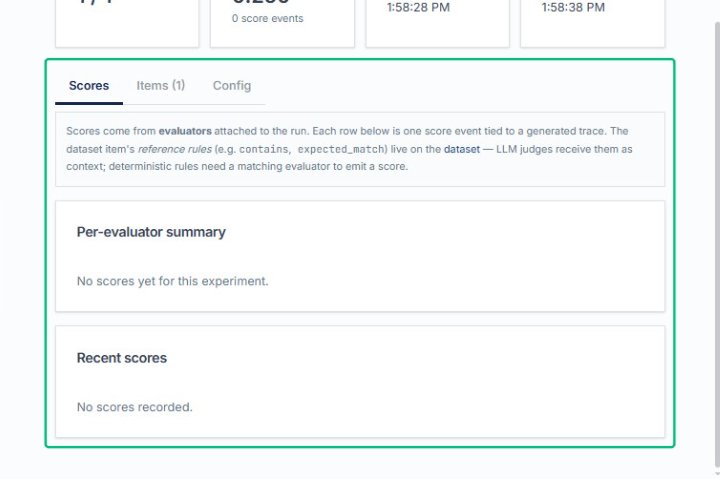
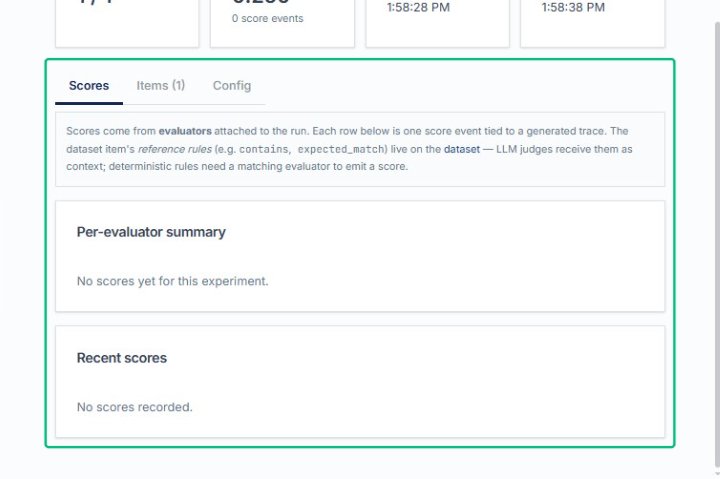
Review the Scores tab content
The Scores tab displays evaluator summaries and recent score events tied to the experiment run.
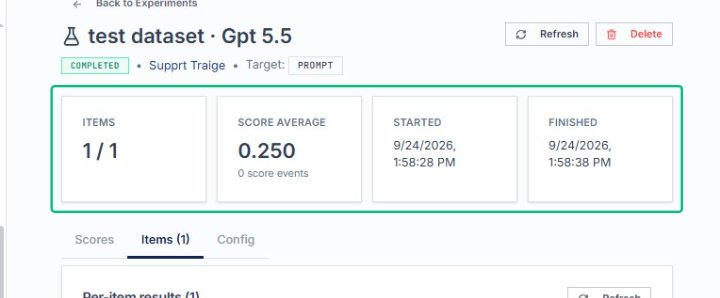
Review the experiment metrics card
This card summarizes the number of items processed and the average score for the experiment run.
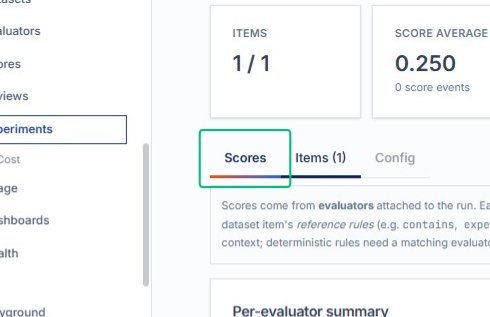
Switch to the Scores tab
The Scores tab shows evaluator summaries and recent score events for the experiment.
Review the Scores tab content
The Scores tab displays evaluator summaries and recent score events tied to the experiment run.
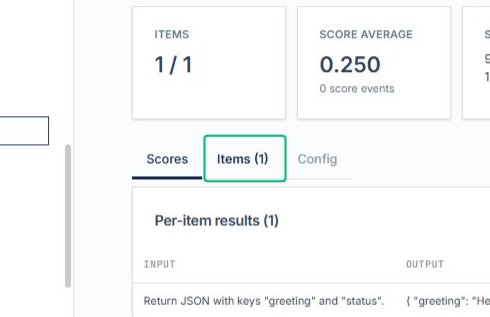
Switch to the Items tab
This tab displays the per-item results for each dataset entry processed in the experiment run.
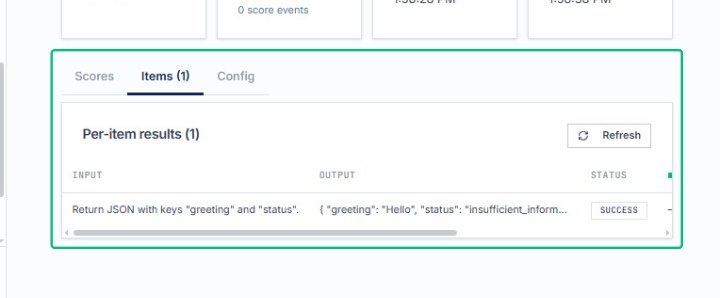
Review the Per-item results section
The table shows the input, output, and status for each item evaluated during the experiment.
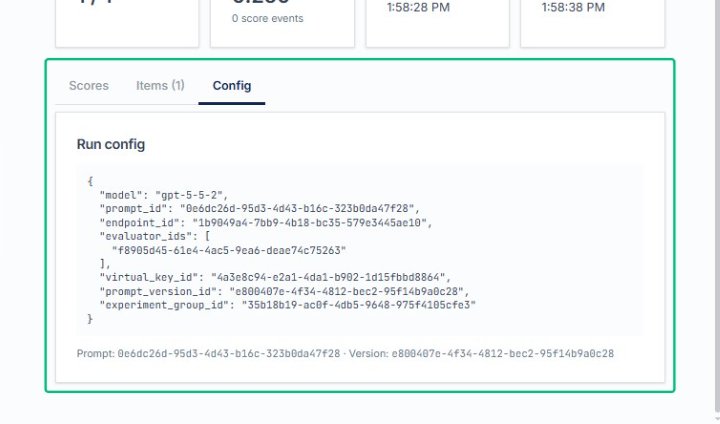
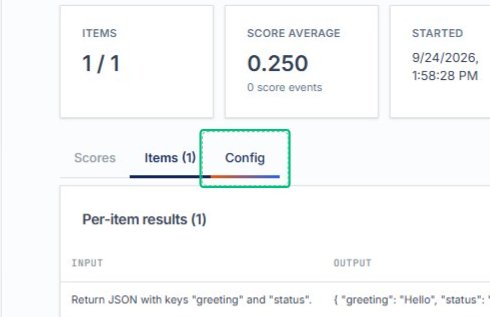
Switch to the Config tab
This tab displays the run configuration, including model, prompt, and evaluator settings used for the experiment.
Review the Run config section
The configuration details include model identifiers, prompt versions, endpoint IDs, and experiment group metadata.