Compute Usages
Compute Usages
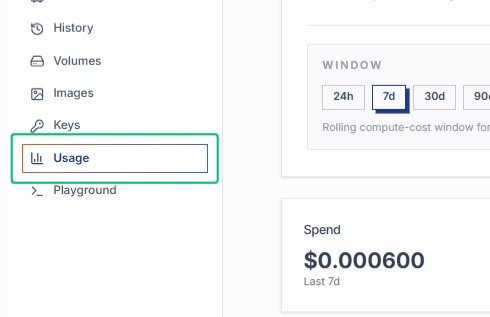
Start from the AlchemiStudio Compute page and open the Usage section, where you can review spend, resource consumption, and cost trends across your compute sandboxes and storage volumes.
Review the Compute Usage Analytics panel
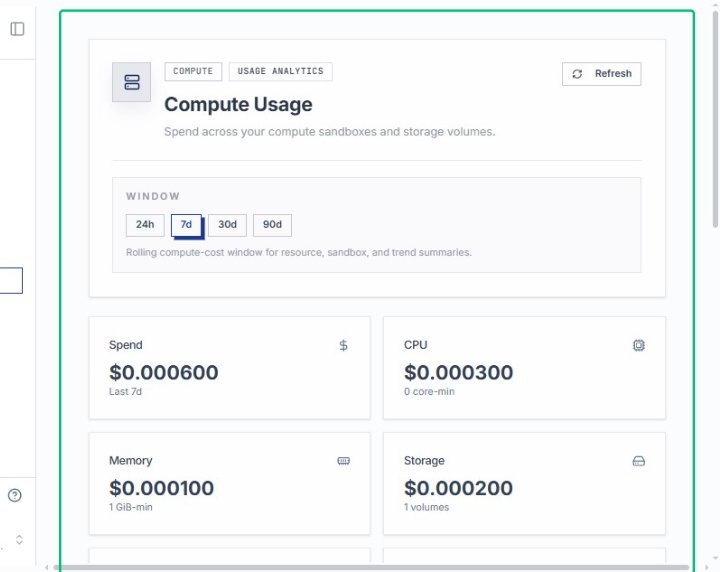
On the Usage page, the main analytics panel displays your current spend, CPU, memory, storage, and sandbox metrics for the selected time window.
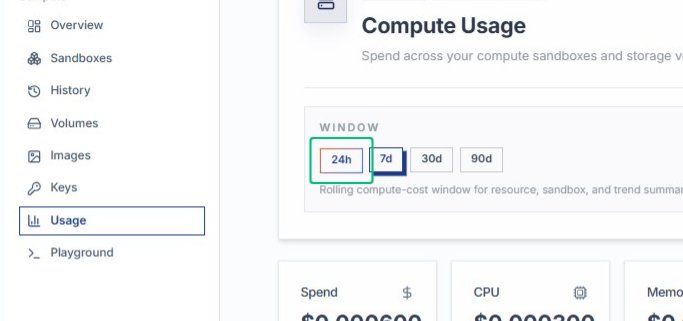
Locate the time window selector
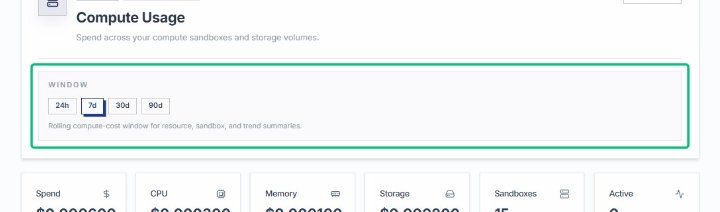
The window selector offers 24h, 7d, 30d, and 90d options to adjust the rolling period for your usage summaries and cost trend chart.
Select 24h
Switching to the 24-hour window refreshes the spend, CPU, memory, and storage cards to show activity from the last day.
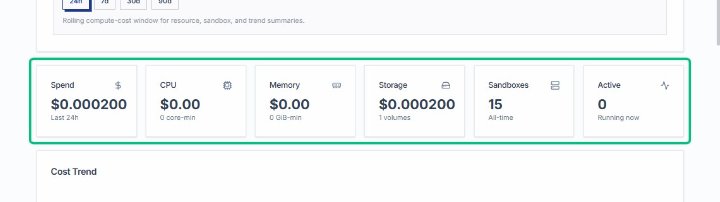
Review the 24-hour spend summary
After selecting the 24-hour window, the summary cards display total spend, CPU cost, memory, storage, and sandbox counts for the last day.
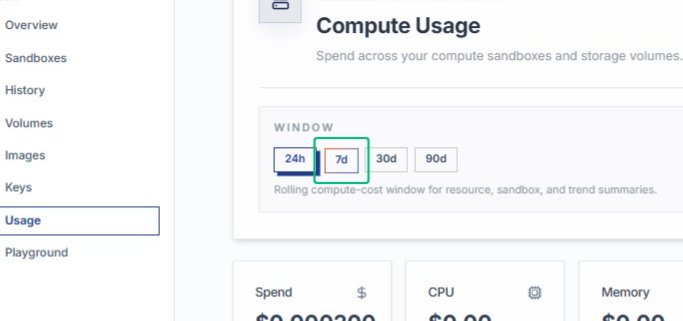
Switch to the 7d window
Changing the time window updates all metrics and the cost trend chart to reflect the past seven days.
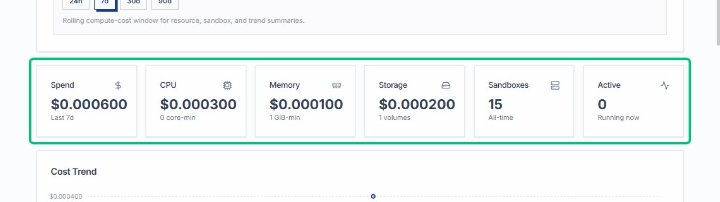
Review the 7-day spend summary
The summary now shows spend and resource usage over the last week, with updated totals for CPU, memory, and storage.
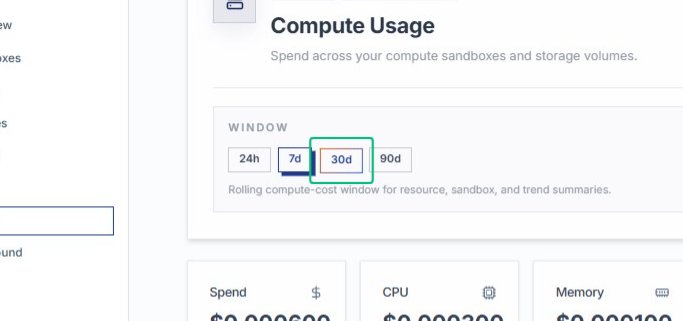
Switch to the 30d window
Selecting the 30-day window refreshes the page to display monthly spend trends and resource consumption.
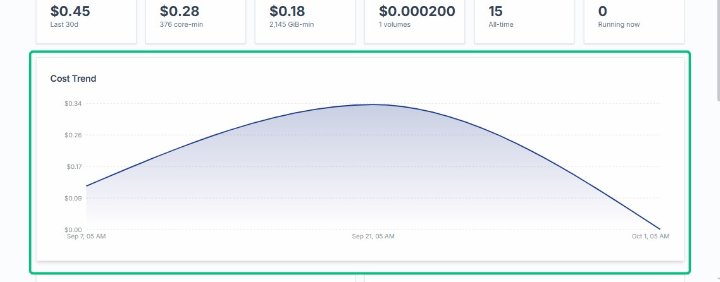
Review the Cost Trend chart
After switching to the 30-day window, the Cost Trend chart updates to show spending patterns over the selected period.
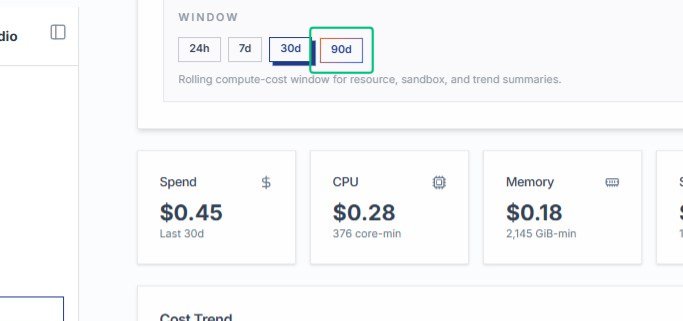
Select 90d
Expand the time window to 90 days to view longer-term compute cost trends and resource usage.
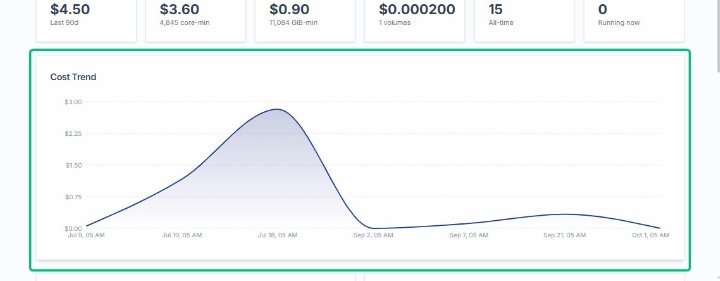
Review the Cost Trend chart
With the 90-day window active, the chart now displays a broader view of spending over the past three months.
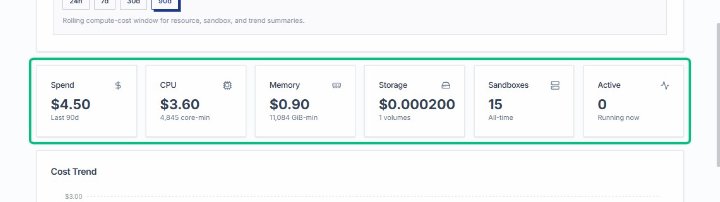
Review the Spend summary
The summary card shows total spend and CPU cost for the last 90 days, providing a quick overview of resource consumption.
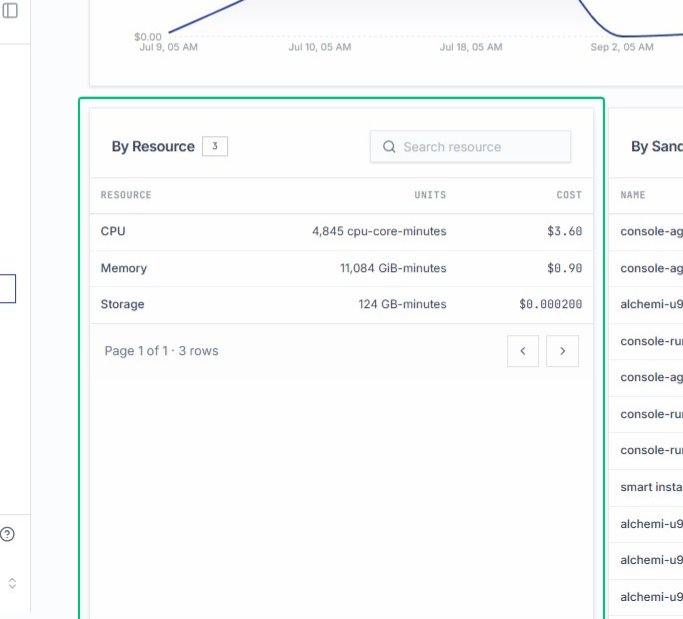
Review the By Resource table
On the Usage page, this table breaks down compute costs across CPU, Memory, and Storage resources for the selected 90-day window.
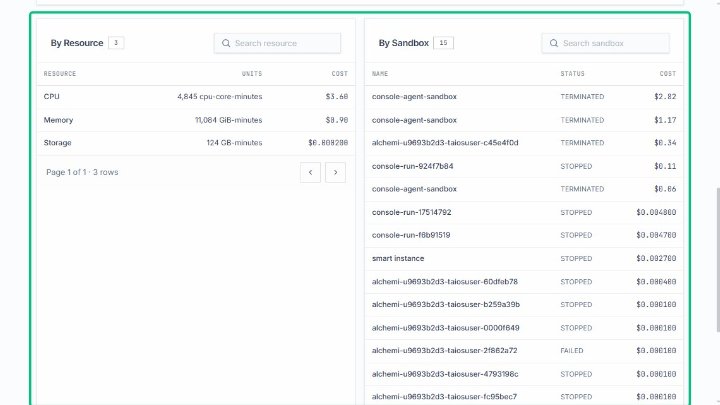
Select the By Resource section
With the resource breakdown visible, the section displays detailed usage metrics alongside the By Sandbox table.
Review the Resolved Rates section
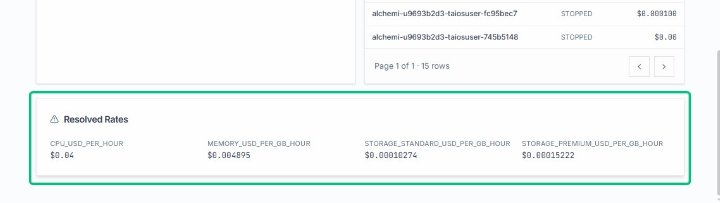
At the bottom of the page, this section shows the hourly pricing for CPU, memory, and storage tiers applied to your usage calculations.