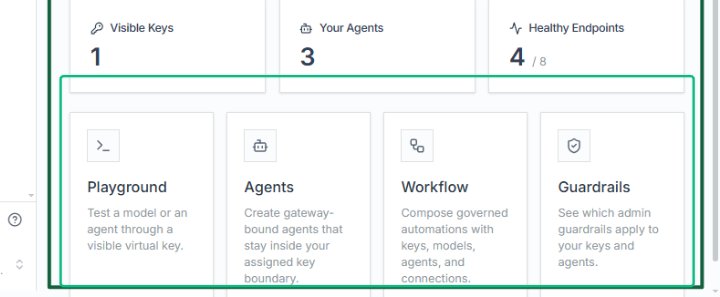
Explore the Console Overview
Explore the Console Overview
Review the Developer Console Overview page
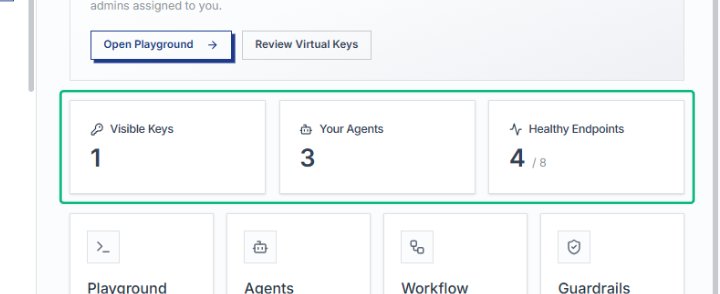
This is the main Developer Console Overview page in AlchemiStudio. It displays key metrics including 1 Visible Key, 3 Agents, and 4 Healthy Endpoints out of 8 total. The page provides quick access to Playground, Agents, Workflow, and Guardrails sections for managing runtime resources.
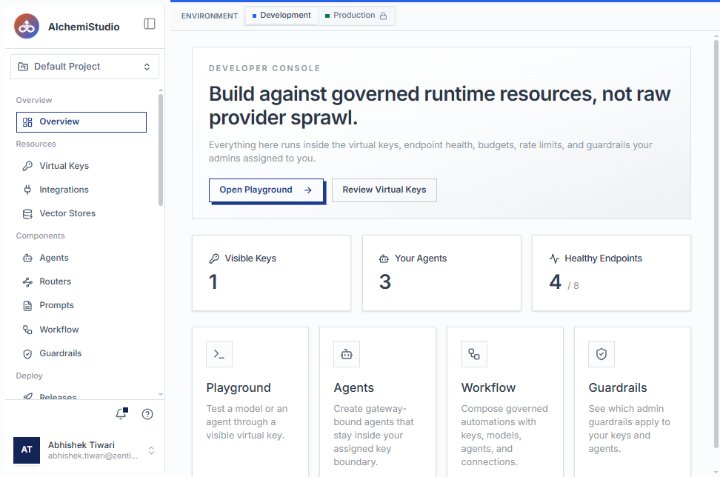
Open the AlchemiStudio Console
Start from the Overview page in your Default Project. The Developer Console section displays your environment statistics and available tools for testing and managing runtime resources.
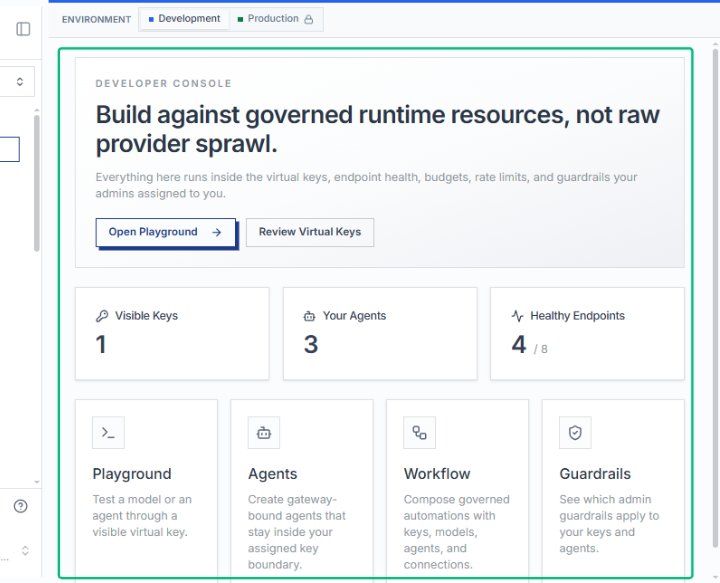
Review the Developer Console section
The Developer Console section explains how your resources are governed by virtual keys, endpoint health, budgets, and guardrails. From here you can open the Playground or review your virtual keys.
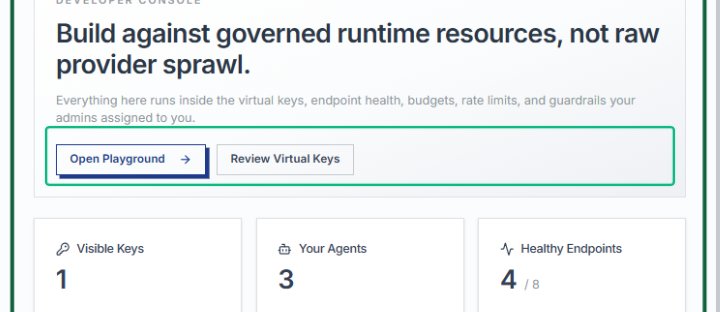
Review your environment statistics
The statistics cards show you have 1 visible key, 3 agents, and 4 out of 8 healthy endpoints. These metrics help you monitor the health and configuration of your development environment.
Locate the Playground card
The Playground card offers an interactive environment to test models or agents using a visible virtual key. Use this tool to validate behavior before deploying to production.