
Sandbox Images
Sandbox Images
Start from the Compute page and open the Images section, where you can view and manage approved sandbox images.
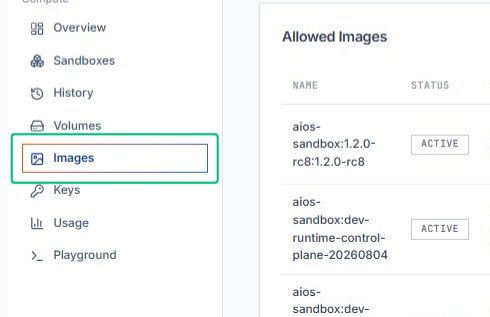
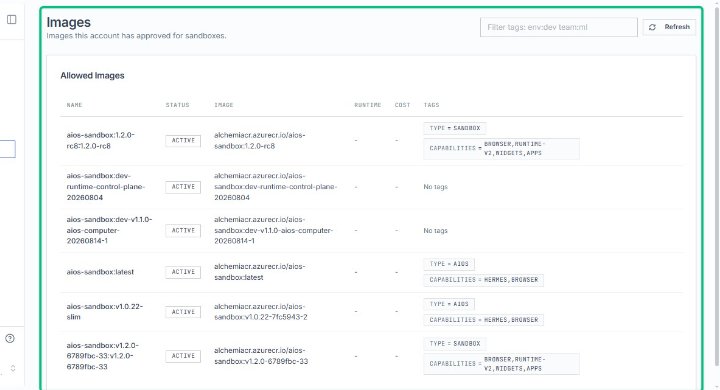
Review the Images page
On the Images page, you see the list of images this account has approved for sandboxes, organized by name, status, and runtime details.
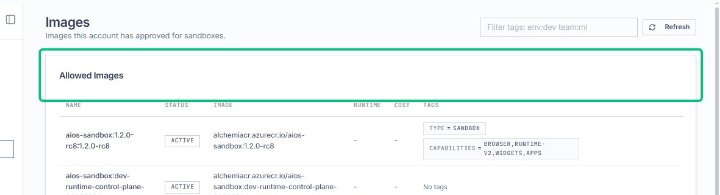
Locate the Allowed Images section
Within the Images page, the Allowed Images section displays the table of approved images with their associated metadata.
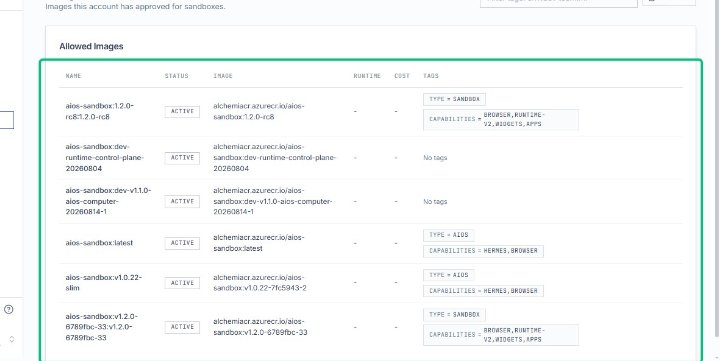
Review the image table
The table lists each approved image by name, status, image path, runtime, cost, and tags, giving you a complete view of available resources.
Last updated on