Compute Overview
Compute Overview
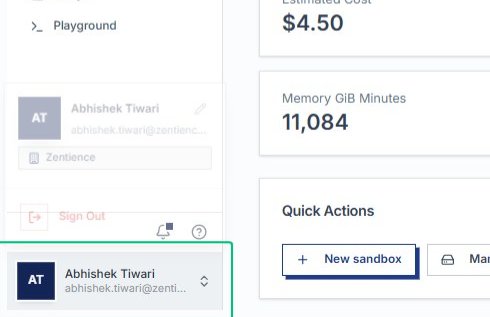
Open the product switcher
Start from the Compute page and open the product switcher at the bottom of the sidebar to access other AlchemiStudio modules.
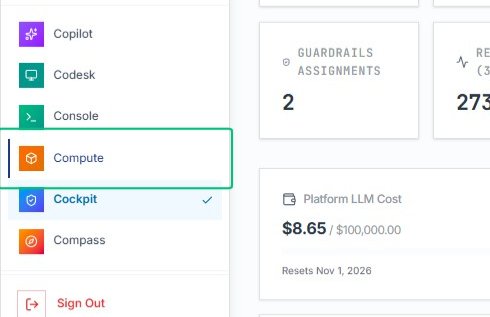
With the product menu open, choose Compute to return to the Compute module and view your sandboxes and volumes.
Review the Compute overview area
Once back on the Compute page, the main content area displays sandboxes, volumes, and usage metrics at a glance.
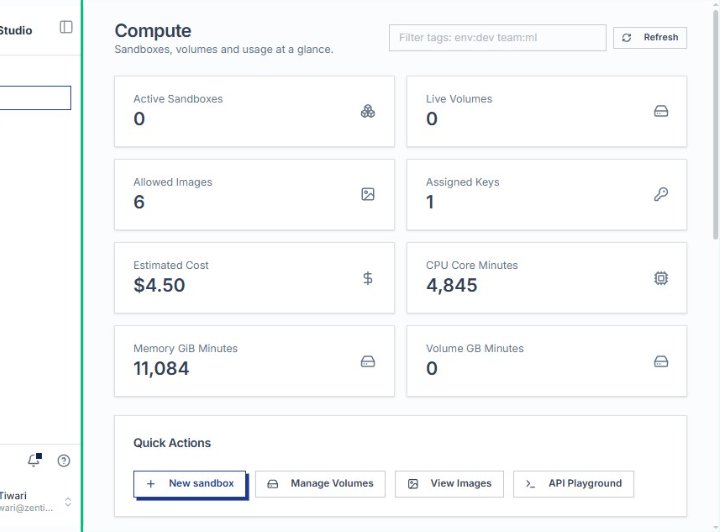
On the AlchemiStudio Compute page, the sidebar provides access to Overview, Sandboxes, History, Volumes, Images, Keys, Usage, and Playground sections.
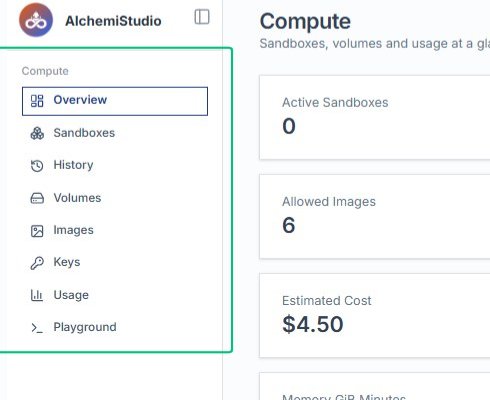
Review the resource summary cards
The main content area displays your active sandboxes, live volumes, allowed images, assigned keys, estimated cost, and usage metrics at a glance.
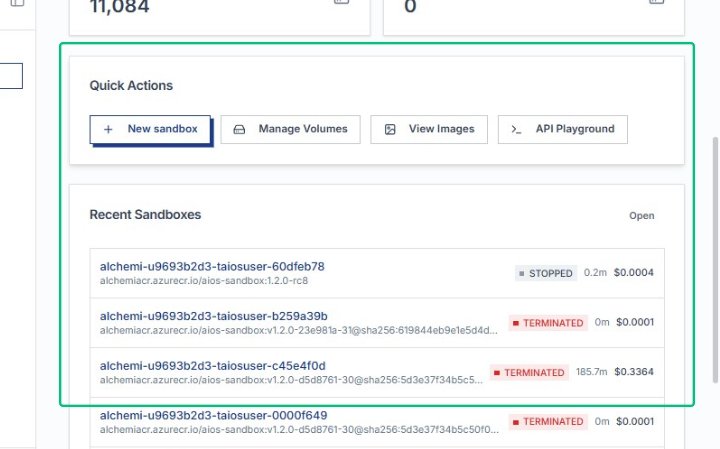
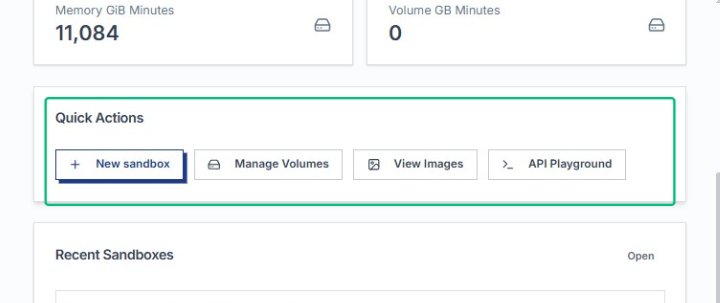
Locate the Quick Actions section
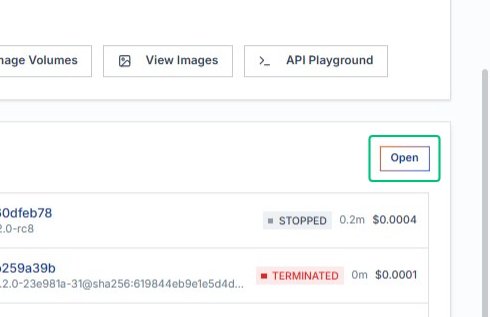
This section offers shortcuts to create a new sandbox, manage volumes, view images, and access the API playground.
Select a sandbox from Recent Sandboxes
Below Quick Actions, the Recent Sandboxes list shows your most recent compute environments with their status, runtime, and cost.
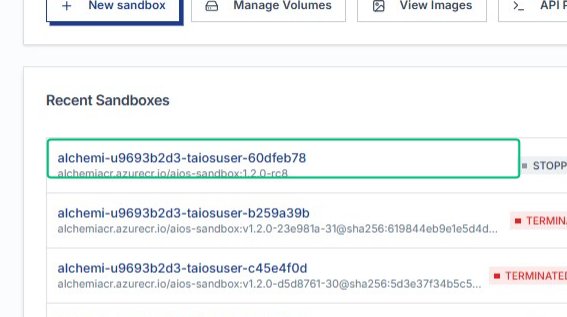
The Open link in the Recent Sandboxes section launches the selected sandbox environment, completing your navigation through the Compute overview.